95.9% of Home Pages Fail Basic Accessibility Checks
The 2026 WebAIM Million found detectable WCAG failures on almost every home page tested, and the number got worse this year. In the EU it is now also a legal exposure, not just a design one.
Almost every site, including the good ones
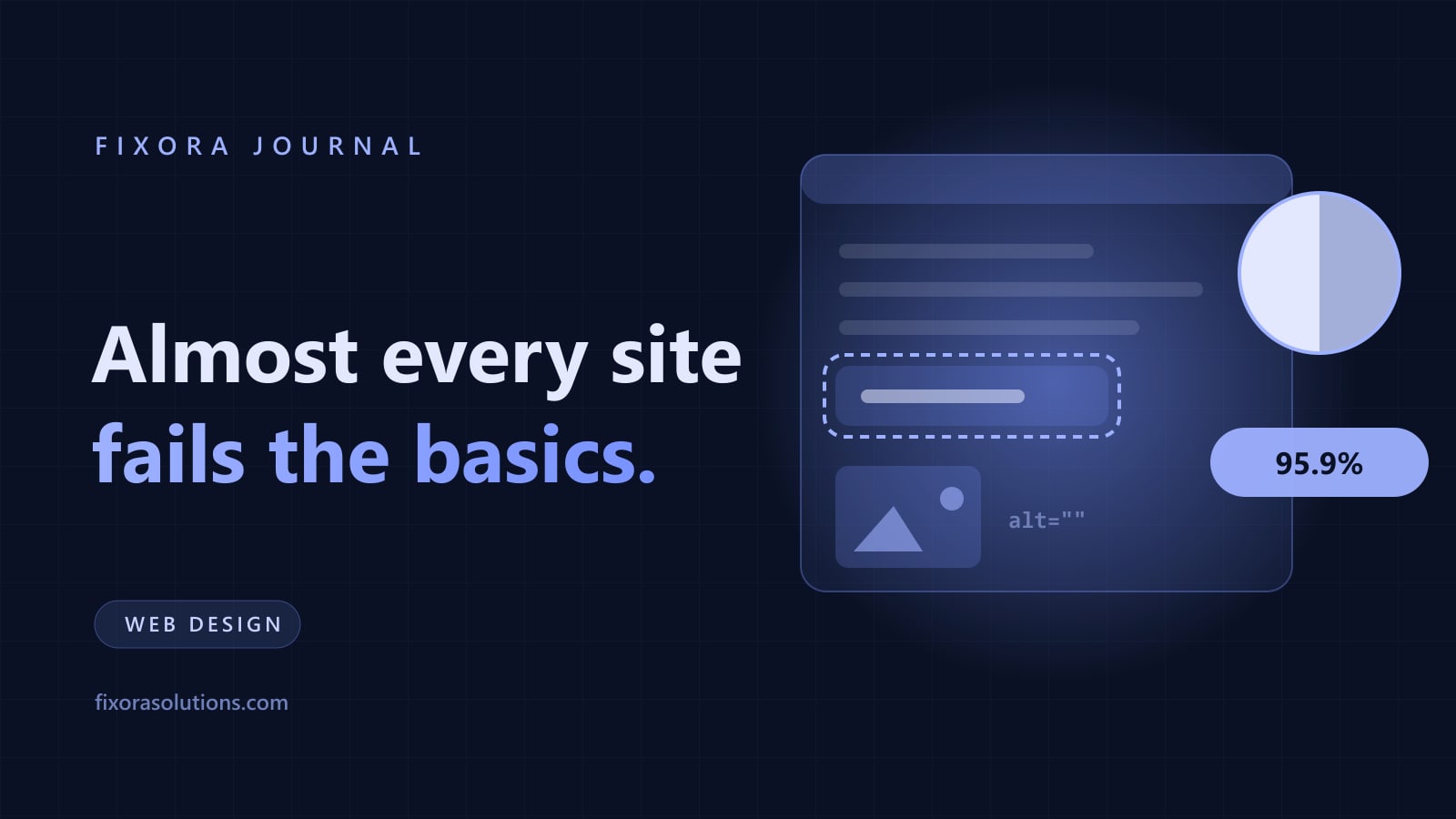
WebAIM tests the home pages of the top one million websites every year. The 2026 report found detectable WCAG 2 failures on 95.9% of them, up from 94.8% the year before, reversing six consecutive years of small improvements.
The average page had 56.1 distinct errors. Page complexity is the reason WebAIM gives: the average home page now carries 1,437 elements, a 22.5% jump in one year, and more elements means more ways to get it wrong.
Two things follow. Your site almost certainly fails. So does your competitor's, which is the opportunity.
Automated tests only see the easy half
Worth being precise, because this is where accessibility vendors overclaim in both directions. Automated tools detect a minority of WCAG criteria. A page with zero detected errors can still be unusable with a keyboard or a screen reader.
So 95.9% is a floor, not a ceiling. The real failure rate, tested by humans, is higher.
The six failure types WebAIM finds year after year are the same and they are all cheap to fix: low contrast text, missing alternative text on images, empty links, missing form labels, empty buttons, and missing document language.
None of those requires a rebuild. Most are a stylesheet change and an afternoon of attribute work.
The legal position changed in Europe
The European Accessibility Act applied from 28 June 2025 and covers businesses selling digital products and services to EU consumers: your storefront, product pages, cart, checkout, and support channels. The reference standard is WCAG 2.1 AA. Member states set their own penalties, and enforcement activity has been building through 2026.
If you sell into the EU from the UK, the US, or anywhere else, the obligation follows the customer, not your registered address. The UK has its own route through the Equality Act, and US retailers have been dealing with ADA web litigation for a decade.
We are not lawyers and this is not advice about your specific exposure. It is a reason to stop treating accessibility as a nice to have with no deadline attached.
The part that pays for itself
Set the compliance argument aside for a second, because the commercial one is stronger.
Accessible sites are faster to use for everyone. Proper labels, visible focus states, and sane heading order are usability improvements that happen to be legally required. A form your screen reader users can complete is a form everyone completes faster, which is the same conversion mechanic as cutting fields on a B2B enquiry form.
Contrast is a conversion setting. Grey-on-grey body text is the single most common failure on the web and it costs you readers in bright sunlight, on cheap monitors, and over 45. That is a large share of your buyers.
Alt text is content. Search engines and AI systems read it. Empty alt attributes on product images are lost description in a channel that is increasingly answer-driven.
Six fixes, roughly in order of value
- Fix contrast. Body text at 4.5:1, large text at 3:1. Usually one pass over your colour tokens.
- Label every form field. Placeholder text is not a label. It disappears when typing starts.
- Give every meaningful image real alt text, and empty
alt=""to decorative ones so screen readers skip them. - Make focus visible. If your CSS removes the focus ring, keyboard users are navigating blind. Never ship
outline: nonewithout a replacement. - Fix heading order. One
h1, no skipped levels. This is the structure assistive tech and search crawlers both navigate by. - Test with the keyboard. Unplug the mouse and try to reach the contact form and submit it. Ten minutes, and it finds more than any scanner.
Then run a scanner such as WAVE or Lighthouse to catch the mechanical remainder, and re-test after every redesign, because a redesign is exactly when this regresses.
Frequently asked
Do accessibility overlay widgets solve this? No. They are widely criticised by disabled users and have been named in litigation. Fix the code.
How long does this take on a normal five page site? Usually one to two days for the six items above, most of it contrast and labels.
Can Fixora do the audit? Yes: automated scan, keyboard pass, and a prioritised fix list with the code changes named. Send us the URL and get it within 48 hours.
Have a project that needs this?
Tell us what you are building. We reply within 24 hours.
The service behind this
Graphic Design
Design that holds up at 16 pixels and across every asset after it. Built as a system your team can actually use without coming back to us for every social post.