How to Redesign a Website Without Losing the Traffic You Have
Most traffic collapses after a redesign are not caused by design. They are caused by URLs that changed without a map, and they are entirely preventable in an afternoon of planning.
The failure is always the same failure
A company redesigns its site. The new one is better in every visible way. Six weeks later organic traffic is down 40% and nobody can explain it, so the design gets blamed.
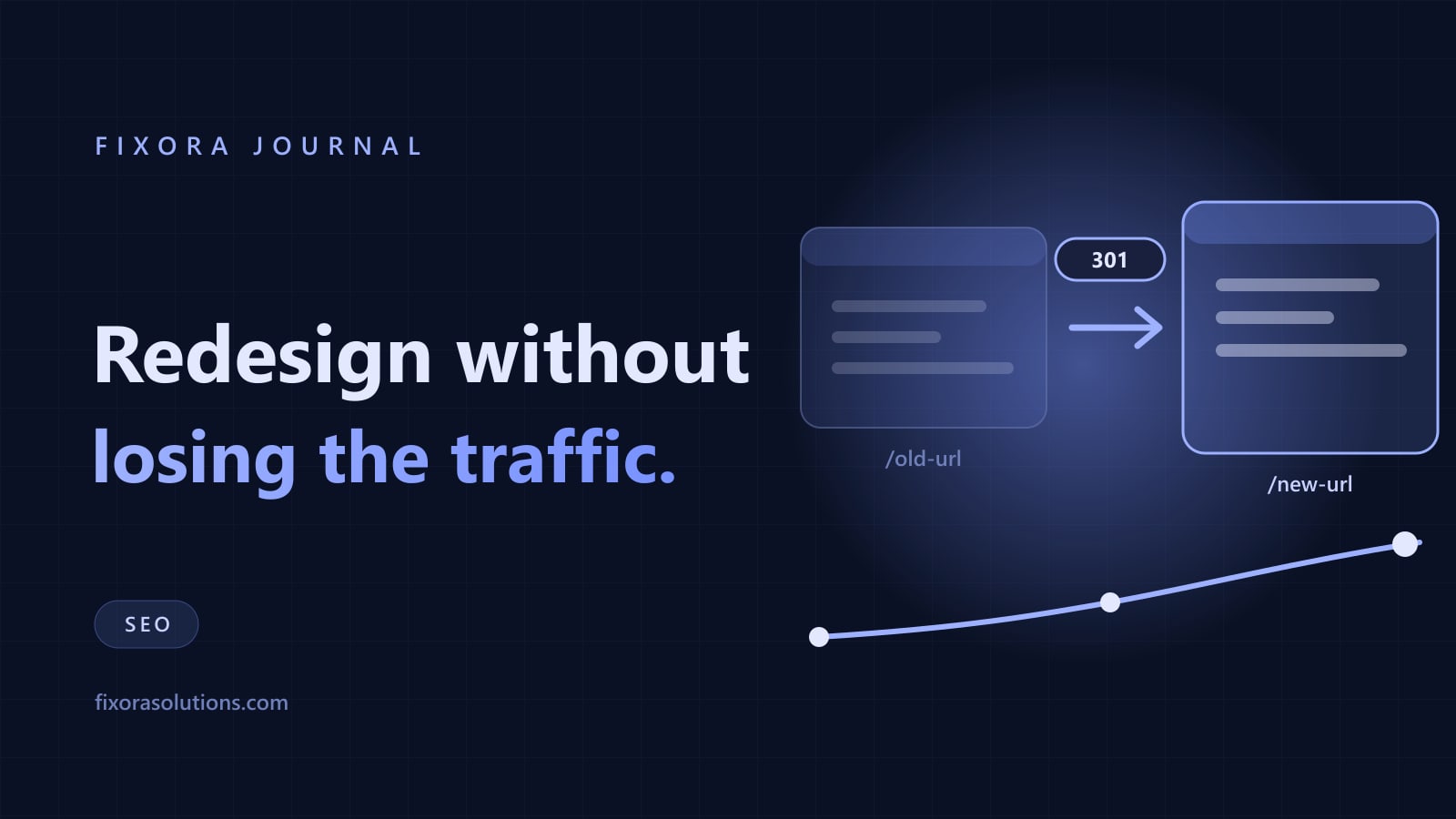
The design was rarely the cause. The cause is that /services/web-design became /what-we-do/design, forty other URLs moved with it, and nothing told anyone. Every accumulated link, ranking, and bookmark now points at a 404.
This is the most preventable failure in digital marketing and it happens constantly, because URL mapping belongs to nobody: the designer assumes the developer handles it, the developer assumes the agency does, the agency was hired for the design.
What Google actually says
Worth reading the primary source before believing anyone's folklore. Google's site move with URL changes documentation is direct on three points people get wrong.
Use permanent redirects, 301 or 308, server side. Google states plainly that permanent redirects do not cause a loss in PageRank. The old belief that redirects bleed 15% of your link equity is out of date.
Keep the redirects for at least a year. Signals transfer over recrawling, and recrawling takes as long as it takes. Deleting the redirect map after launch week undoes the whole exercise.
Expect temporary fluctuation. Google says a medium site takes a few weeks for most pages to move. Rankings wobbling in week two is normal and is not a reason to panic-revert.
The checklist that prevents it
Before you touch anything
- Export every URL you currently have. Crawl the live site, then add Search Console's page report and your analytics landing pages for the last twelve months. Crawls miss orphaned pages that still earn traffic.
- Record the baseline. Sessions, conversions, impressions, and top 50 ranking queries. Without this you cannot prove afterwards whether the migration hurt or helped.
- Build the map. One spreadsheet, two columns: old URL, new URL. Every single old URL gets a destination. The nearest relevant page, never a blanket redirect to the home page, which Google treats as a soft 404.
- Decide what to kill deliberately. Some pages should not survive. Redirect them to the closest useful page and note the decision, so it does not look like an accident later.
At launch
- Redirect server side, in one hop. Chains of three redirects work for humans and waste crawl budget. Test a sample of 20 old URLs and confirm each returns a single 301 to a live 200.
- Keep the titles, headings, and body copy on pages that already rank. A redesign is the moment somebody quietly rewrites a page that took two years to reach position three. Change the wrapper, keep the substance.
- Check
robots.txtand the noindex tags. A stagingDisallow: /shipped to production is the second most common cause of a migration disaster, and it can go unnoticed for weeks. - Submit the new sitemap and keep the old one available for a while so Google recrawls the redirected URLs faster.
After launch
- Watch 404s daily for two weeks. Every hit on a missing URL is a mapping row you missed. Fix and move on.
- Compare against the baseline at 30, 60, and 90 days, not at day five. Ranking movement inside the first fortnight is noise, for the same reason SEO timelines run in months.
The two extras worth doing while you are in there
A migration is the cheapest moment to fix performance and accessibility, because you are already editing every template. Core Web Vitals are set by the new build, and a slow site converts worse regardless of ranking. The same goes for the accessibility failures almost every site carries.
Doing them later means a second round of QA on the same files. Doing them now costs a few hours.
Frequently asked
Can we change domain and design at the same time? You can, but you lose the ability to diagnose what caused any drop. Sequence them a month apart if the calendar allows.
How long until traffic recovers? If the mapping is complete, usually two to six weeks with a shallow dip. If it is incomplete, it does not recover on its own.
Can Fixora run the migration? Yes: the URL map, the redirect spec, the pre-launch checks, and the 90 day watch, whether or not we built the site. Tell us the launch date and get the plan within 48 hours.
Have a project that needs this?
Tell us what you are building. We reply within 24 hours.
The service behind this
AI Marketing Services
A full marketing function without the headcount: strategy, content, campaigns, and outbound, run as one system and reported on the numbers that decide whether it paid.